HD
HD Downloads
Generated backgrounds ko high-resolution output ke saath download karke apne creative projects mein use karo.
Apni kahani ke liye perfect background dhoondhne mein hours waste mat karo. Bas scene describe karo aur AutoDraft AI se custom anime, cartoon ya cinematic background generate karo.
Scene describe karo, style choose karo aur apni story ke liye custom background generate karo.
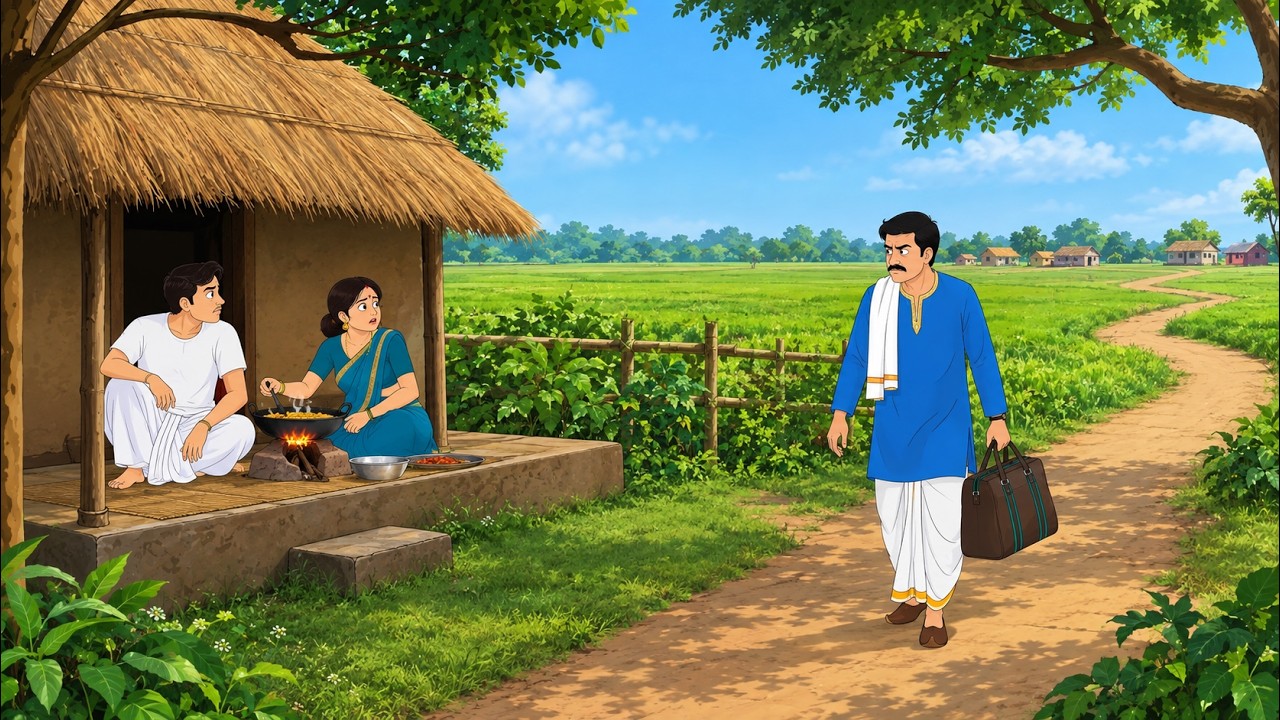
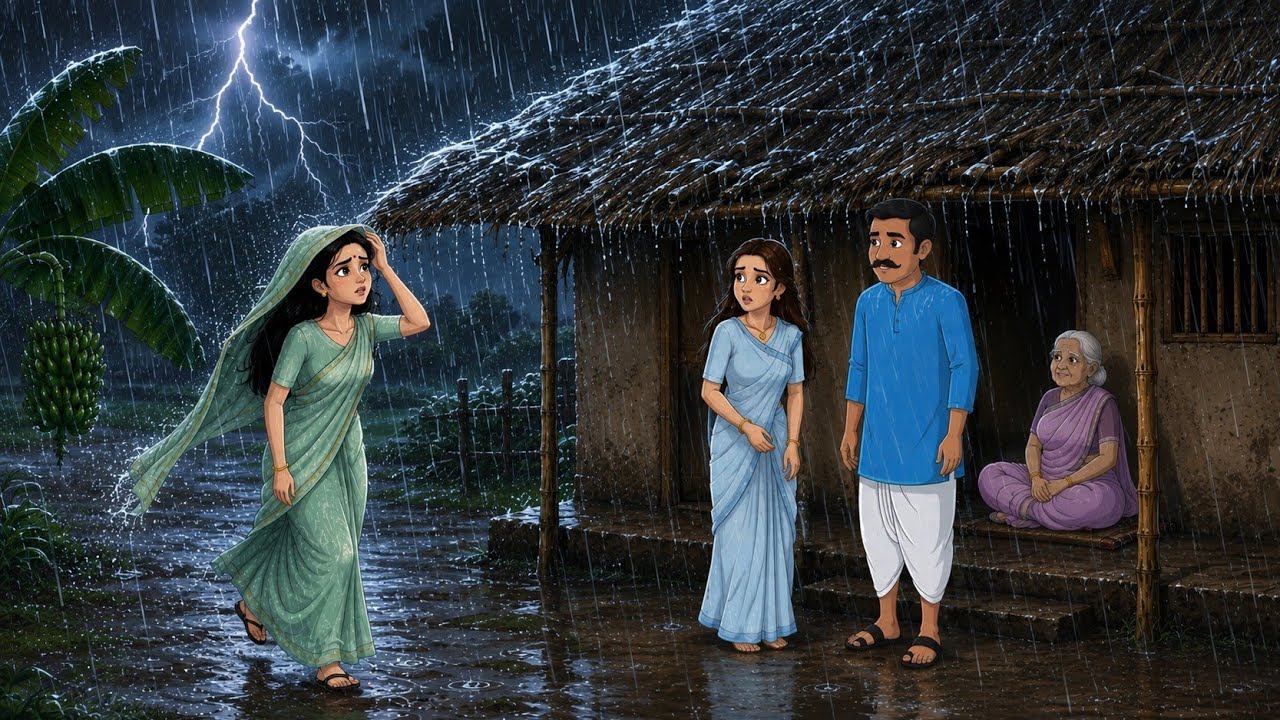
Ek strong background scene ka mood, location aur storytelling instantly set kar deta hai. Lekin har scene ke liye perfect image search karna time-consuming ho sakta hai.
AutoDraft AI mein aap apne words se custom background create kar sakte ho — chahe aapko gaav ke khet chahiye, ek bhutiya bangla, rainy city street ya anime classroom.
Text prompt se detailed backgrounds create karo aur apne animation videos, images, stories aur art mein use karo.
Generated backgrounds ko high-resolution output ke saath download karke apne creative projects mein use karo.
Thriller, Painting, Webtoon, Aesthetic Anime, Cartoon aur Kids Animation jaise visual directions explore karo.
Desktop, tablet ya mobile browser se creative workflow access karo — software installation ki zarurat nahi.
Animation videos, images, storytelling aur art banane wale creators ke workflow ko dhyan mein rakhkar design kiya gaya.
Scene describe karo aur apne project ke mood ke according background generate karo. Aap rainy street, village, horror house, school, fantasy world ya kisi bhi custom location ka idea de sakte ho.
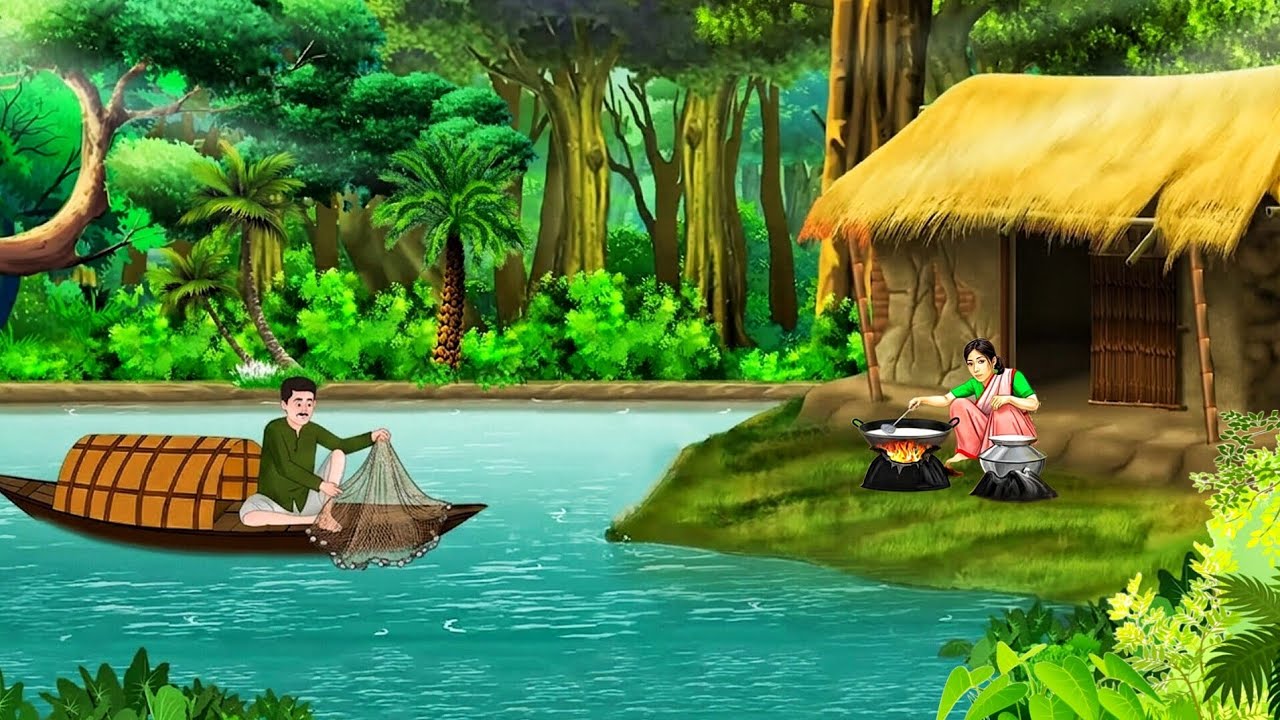
AutoDraft AI mein ek background banane ka complete workflow simple hai.
AutoDraft AI open karo, login ya free account create karo. Dashboard se New Project select karke AI Image Generation open karo.
Prompt box mein scene ko clearly describe karo. Jitna specific prompt hoga, utna aap AI ko location, mood aur visual direction samjha paoge.
Examples: Gaav ke khet, bhutiya bangla, panchayat ki chaupal, rainy city street at night.
Apni reference image upload karke AI ko color tone, composition ya visual direction guide kar sakte ho. Aspect ratio bhi project ke according select karo.
Project ke mood ke according visual style choose karo — Anime, Thriller, Horror, Village, Cartoon ya Kids Animation. Phir Generate par click karo.
Generated image ke baad AI tools se scene ko aur refine kar sakte ho.
Jab background ready ho, download icon par click karo ya use project library mein save karo. Ab ise scene background, layer ya animation ke part ke roop mein use kar sakte ho.
Prompt likhte waqt location + mood + time + style + lighting jaise details add karne ki koshish karo.
“Indian village fields at sunset, small mud houses, warm golden light, peaceful anime background, cinematic composition”
“Old abandoned haunted mansion at midnight, fog, broken windows, dark blue moonlight, eerie anime background”
“Rainy city street at night, neon signs reflected on wet roads, people with umbrellas, aesthetic anime style”
“Japanese-style school classroom during golden hour, sunlight through windows, desks and plants, soft anime background”
“Magical forest with glowing flowers, ancient stone path, misty atmosphere, cinematic fantasy anime environment”
“Indian village panchayat courtyard, banyan tree, charpai, village houses, afternoon light, detailed cartoon background”
Background generate karne ke baad usme characters, voice aur animation add karke complete scene build kar sakte ho. Is tarah aap idea se final animated video tak same creative workflow mein move kar sakte ho.
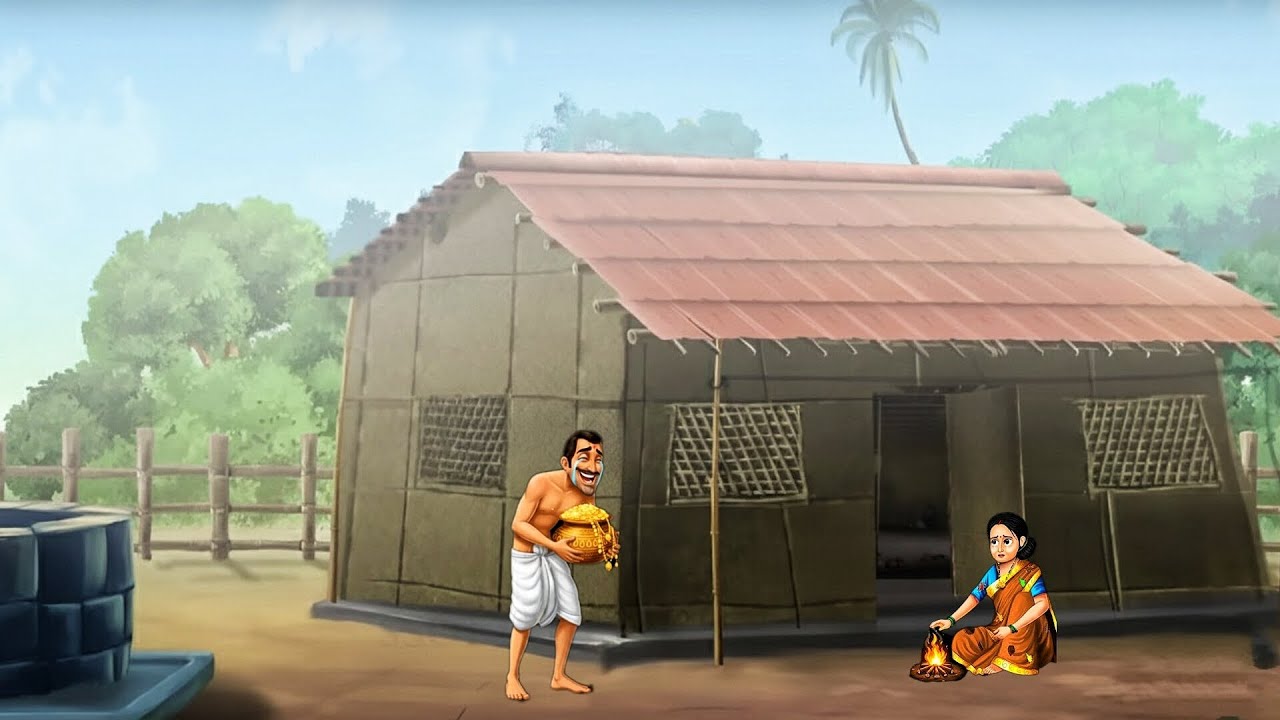
Prompt likho, style choose karo aur seconds mein apna custom background generate karo. No endless stock search — just your idea, turned into a scene.
Create AI Background Free →