01
YouTube Storytime
Funny, serious ya dramatic stories ke liye characters banao aur unhe scenes mein animate karo.
Bas apna idea type karo aur AutoDraft AI se seconds mein custom cartoon characters banao. Look, outfit, style aur expressions customize karo — phir unhe directly apni animation mein use karo.
Manually har detail draw karne ki zarurat nahi. Aap idea se start karte ho aur AI aapko ek ready-to-customize character deta hai.
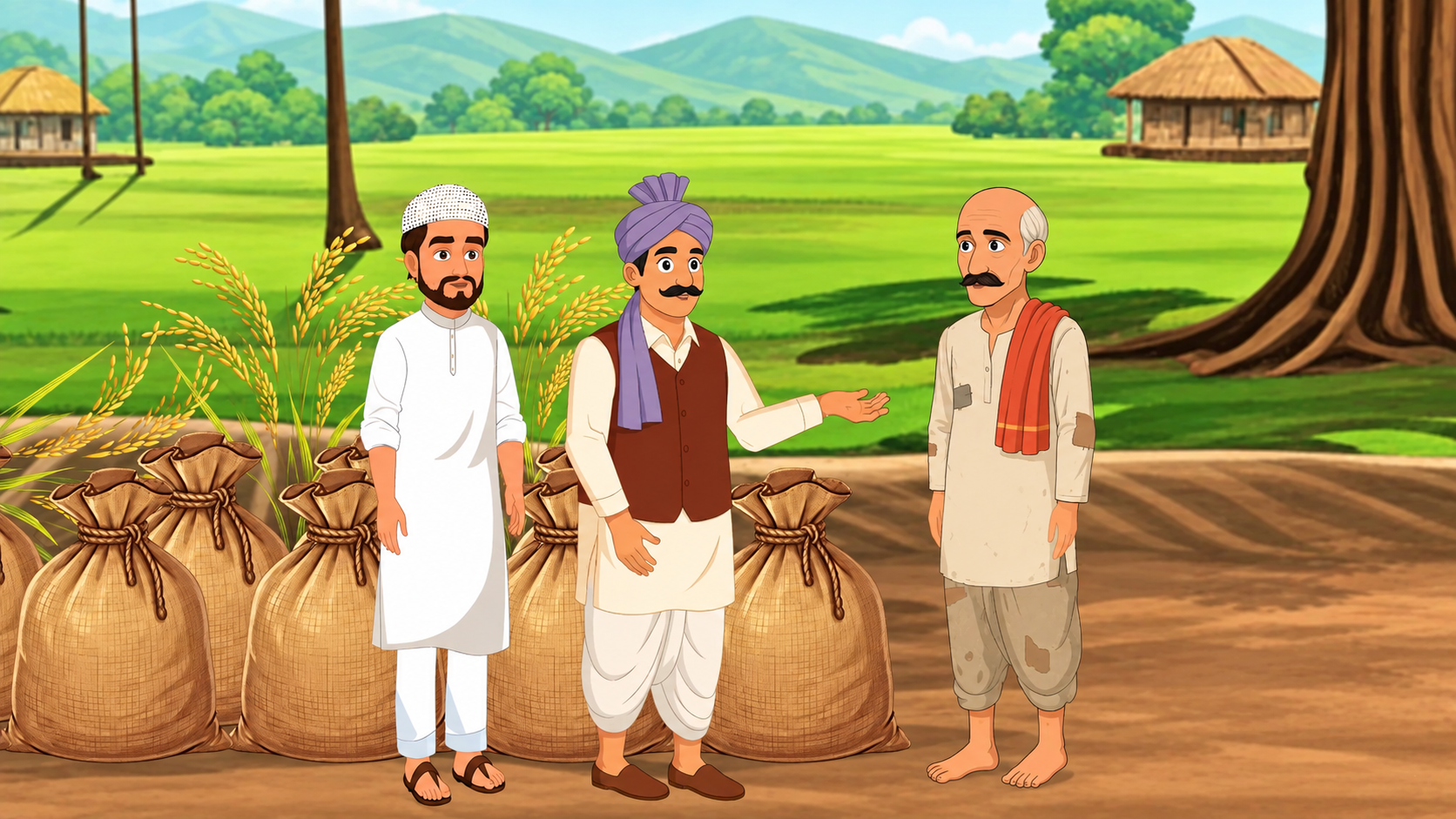
YouTube, education, marketing, Shorts aur complete animated series ke liye characters create karo.
Funny, serious ya dramatic stories ke liye characters banao aur unhe scenes mein animate karo.
Teacher, student, mascot ya presenter characters se complex topics ko engaging banao.
Brand spokesperson ya mascot create karo aur use multiple campaigns mein reuse karo.
Skits, reactions aur scenarios ke liye fresh characters quickly generate karo.
Hero, villain aur supporting cast create karke consistent visual style maintain karo.
AutoDraft AI ek all-in-one creative workflow deta hai jahan character creation ke baad aap directly scenes, voice, motion aur animation par kaam kar sakte ho.
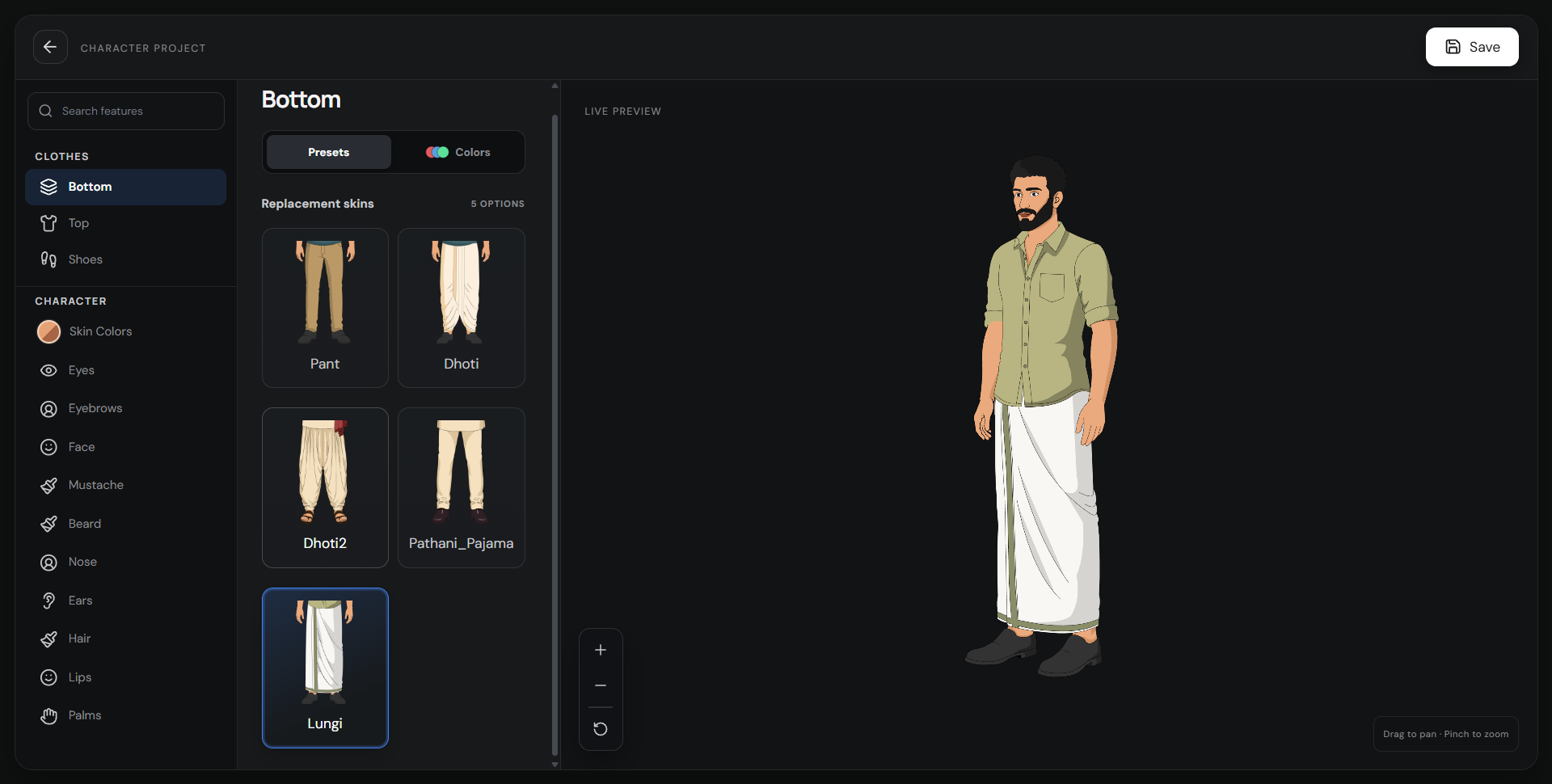
Ek app mein character generate, doosre mein edit, teesre mein animate — ye workflow unnecessary switching aur repeated work create karta hai.
AutoDraft AI mein character creation se lekar customization aur animation tak same workflow mein kaam kar sakte ho.
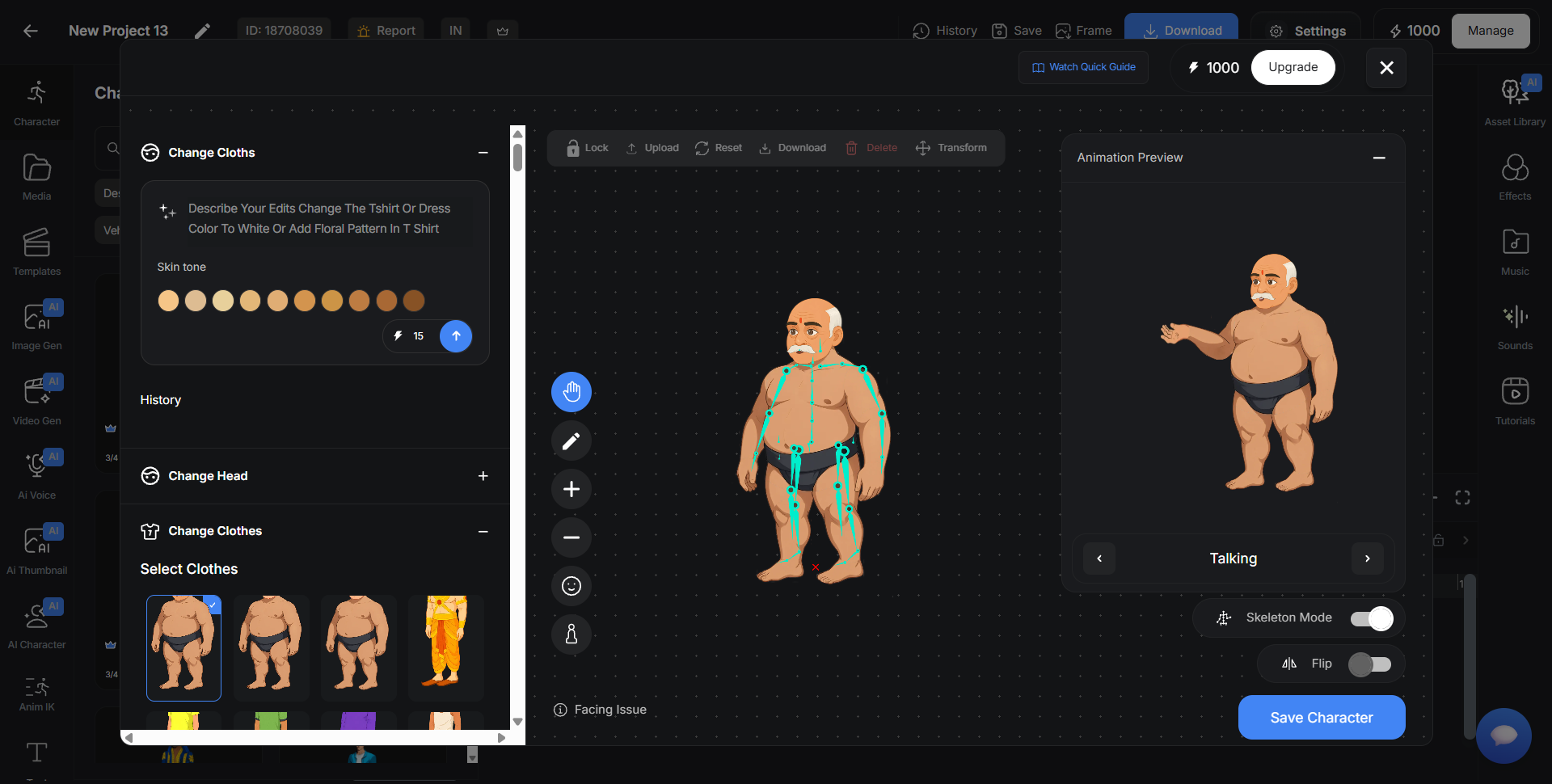
Character generation ke saath customization aur animation workflow bhi important hai.
| Feature | AutoDraft AI | Typical AI Image / Prompt Tools |
|---|---|---|
| AI Character Creation | ✓ Detailed animated characters | Often static images or prompt-based designs |
| Character Reuse | ✓ Reuse across scenes | May require repeated prompting |
| Animation Actions | ✓ 1,000+ preset actions | Often needs another animation tool |
| Custom Editing | ✓ Facial & body customization | Usually prompt-based |
| Integrated Workflow | ✓ Character + voice + scene + animation | Often requires multiple tools |
| Browser Based | ✓ Create online | Depends on the tool |
Bas apna character idea ready rakho aur step-by-step follow karo.
AutoDraft AI open karo, new project start karo aur AI Character tool select karo. Prompt box mein age, outfit, role aur visual style describe karo.
Man, woman, kid, old character jaise base structures choose karo. Phir 2D Comic ya 3D visual style select karke Create karo.
Editor aur Customization tabs se head, eyes, lips, hands, body, clothes, beard, headgear aur props jaise details adjust karo.
Walking style, standing posture, scale aur angle adjust karo. Custom poses ke liye Skeleton Mode se body joints move kar sakte ho.
Save Character par click karo, naam do aur project library mein save karo. Ab character ko scenes aur timeline mein use karke video complete karo.
Sirf character generate karna enough nahi — usko story aur scene ke according fit karna bhi easy hona chahiye.
Character ke look ko detail level par adjust karo.
Character ko static image nahi, story ka active part banao.
Apna idea type karo, character generate karo, customize karo aur directly animation mein use karo. Storytelling par focus karo — character design par nahi.
AI Cartoon Character Free Mein Banaye →