Write your script
Start with an idea, paste a script, or build a story scene by scene.
AI will create script, storyboard, voice over and video for you
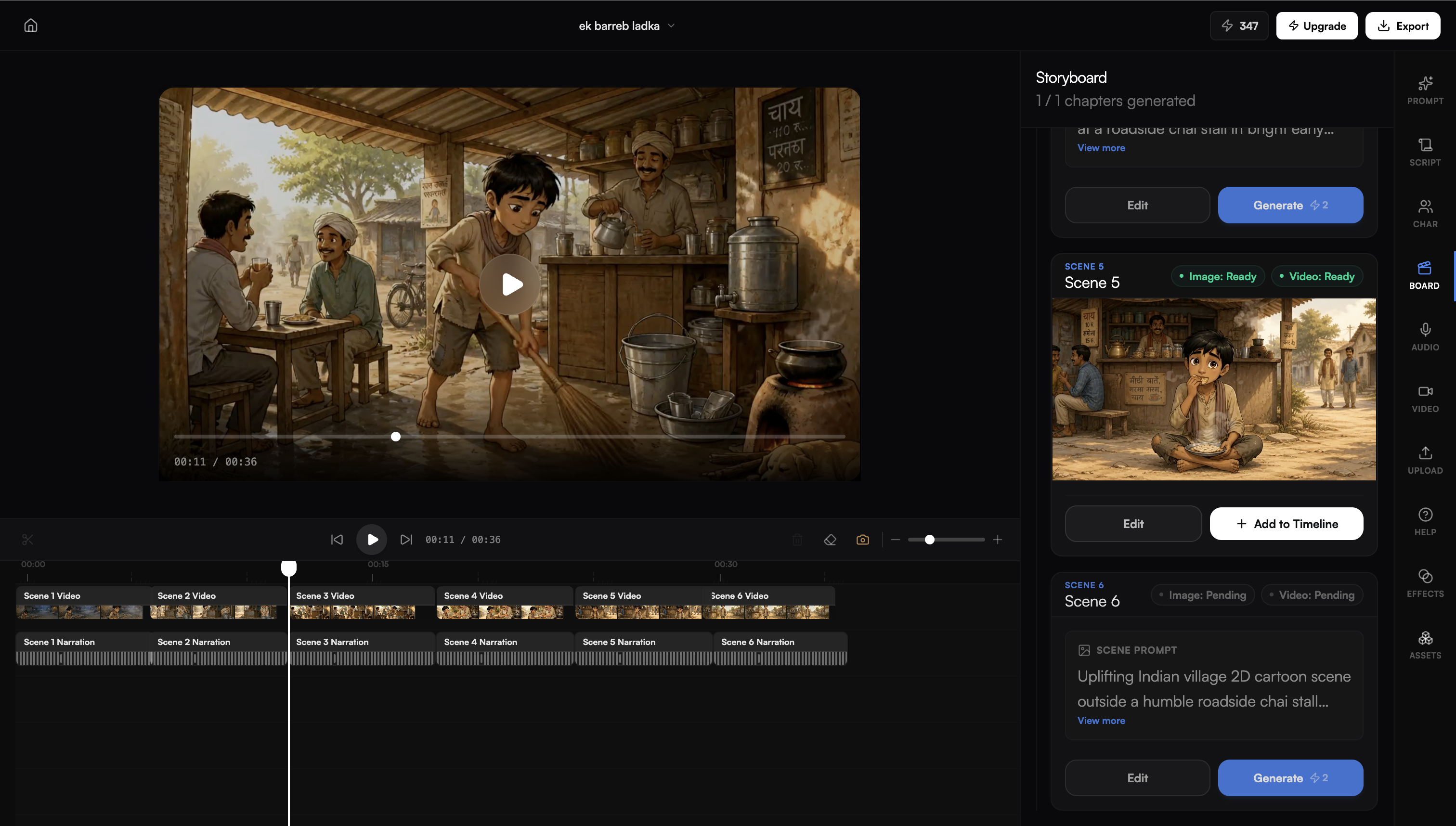
Start with an idea, paste a script, or build a story scene by scene.
Generate scenes, characters, voice, and storyboards with a consistent look.
Fine-tune every scene with timeline, effects, text, assets, and audio.
AI keeps characters consistent in all scenes to create premium quality videos
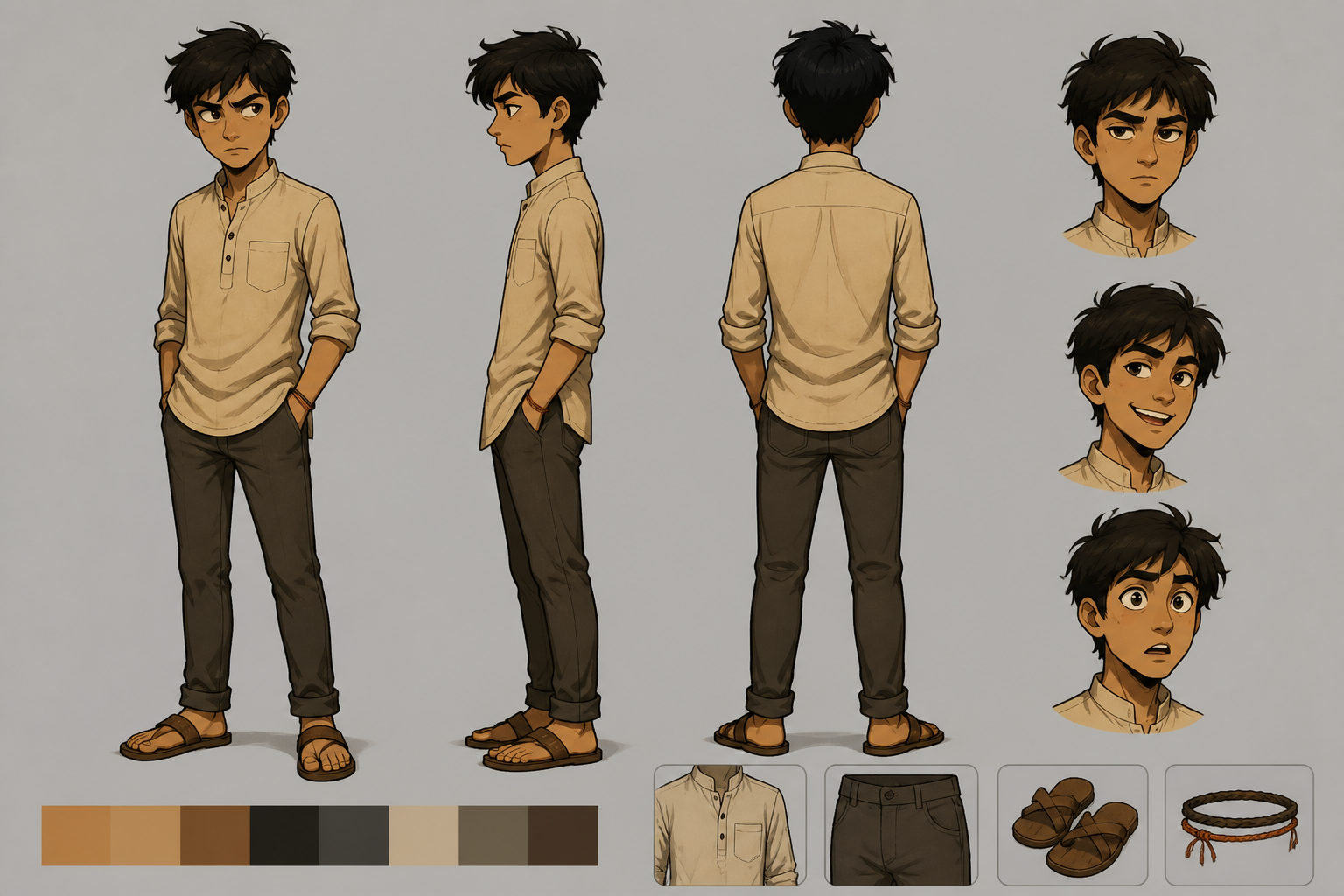
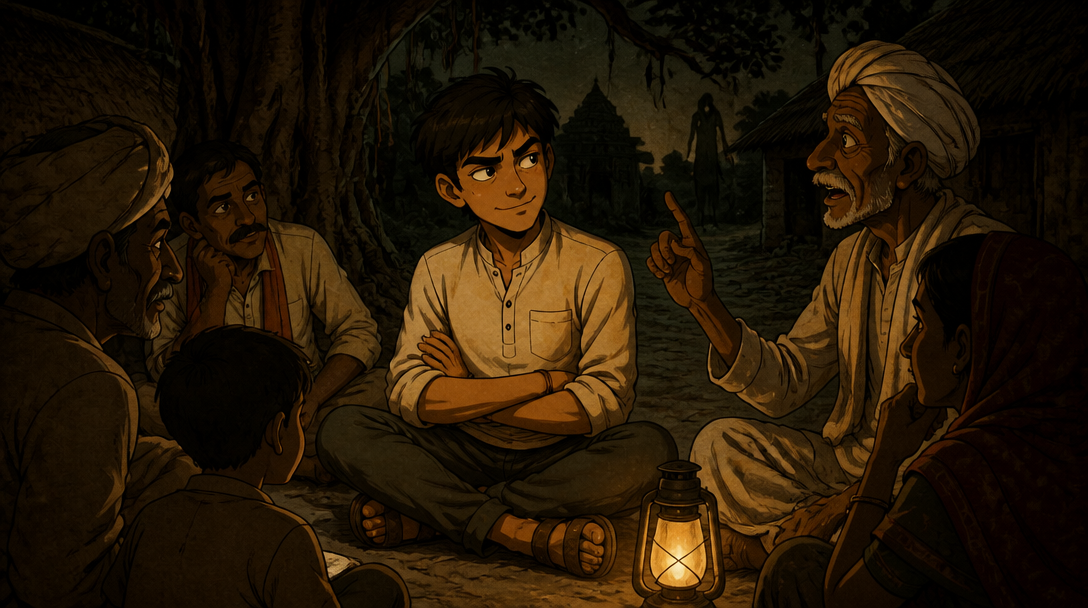
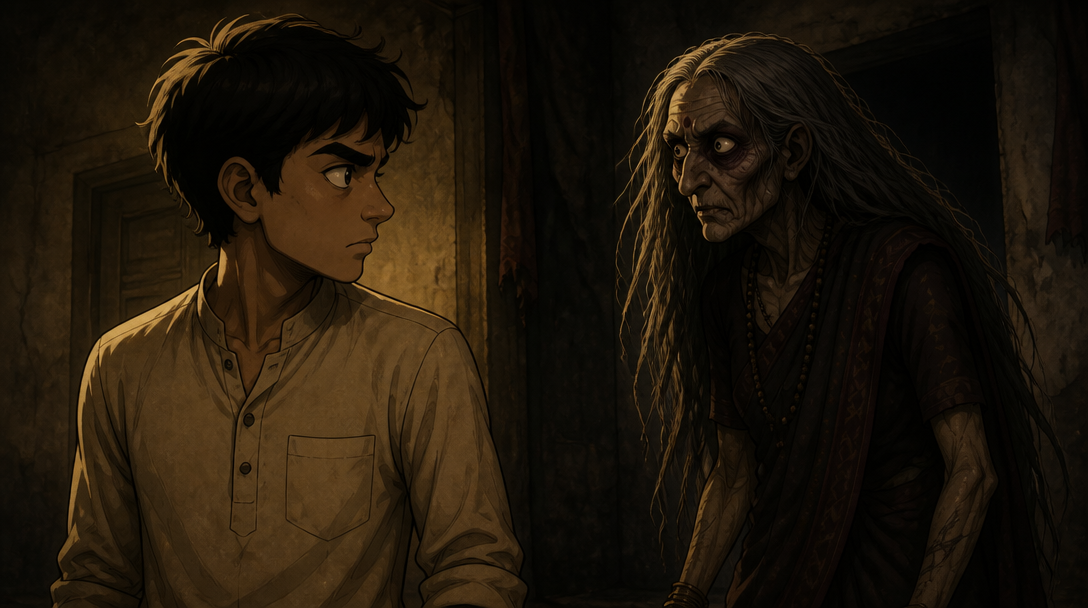
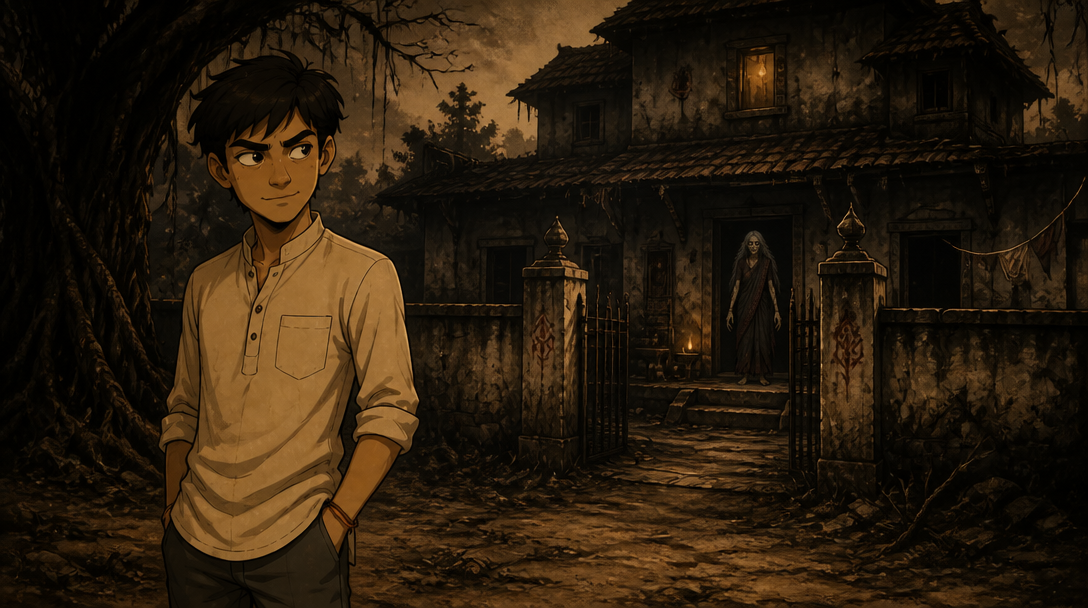
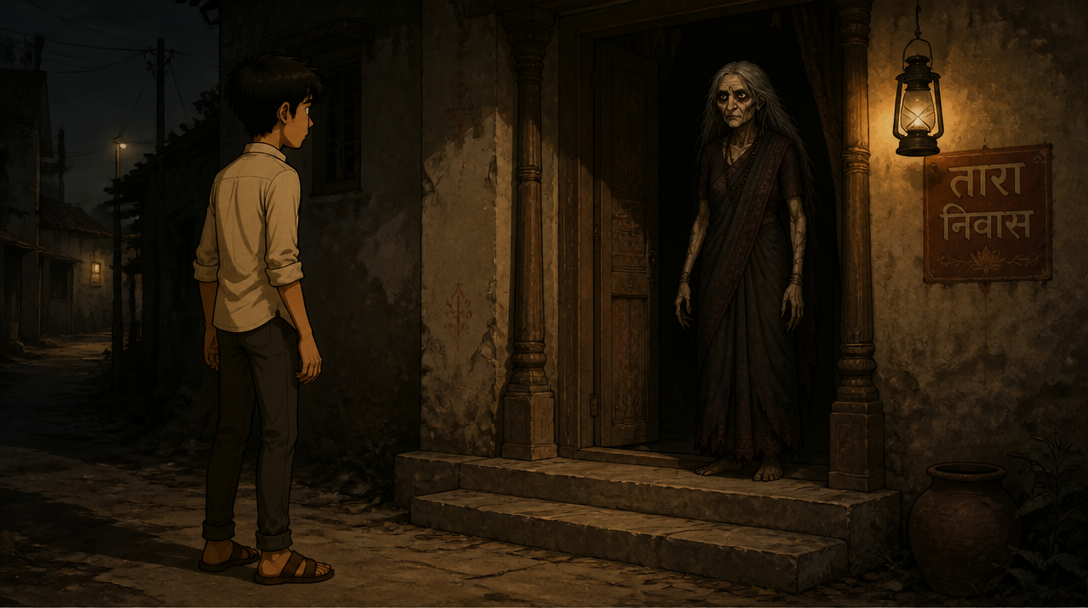
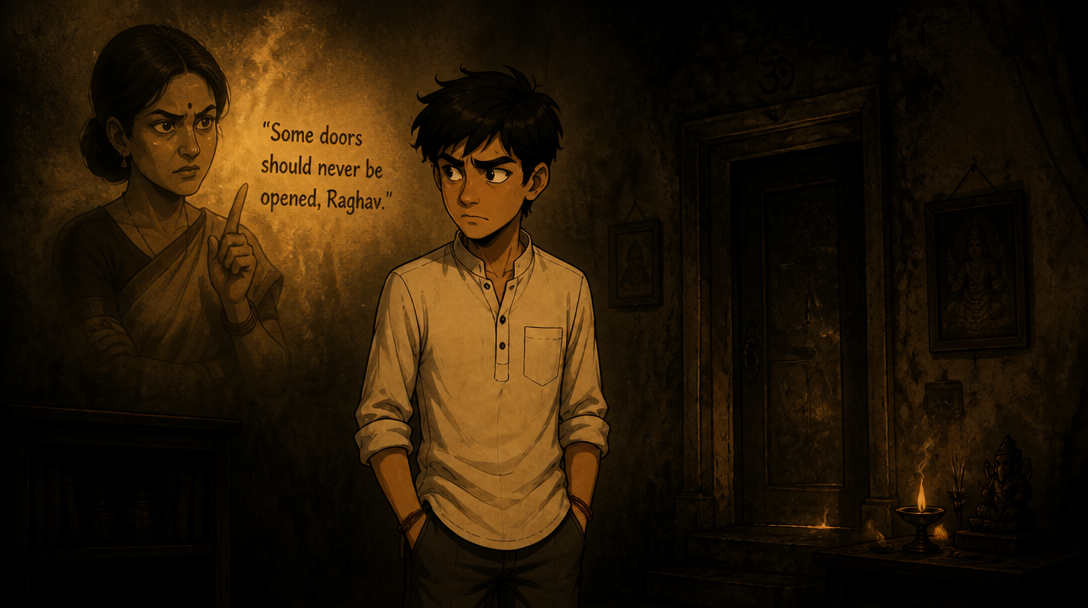
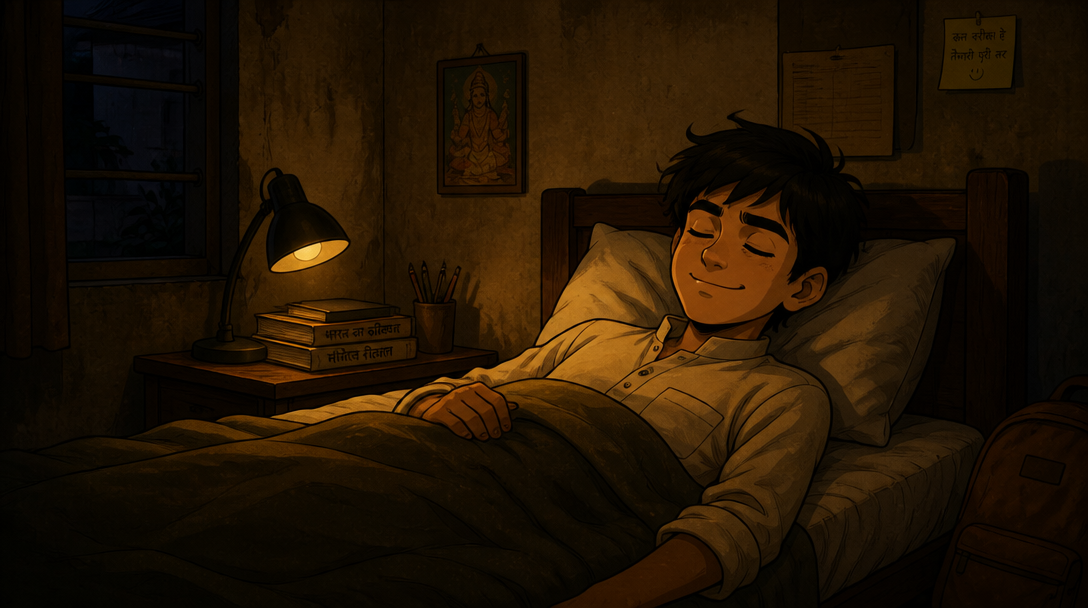
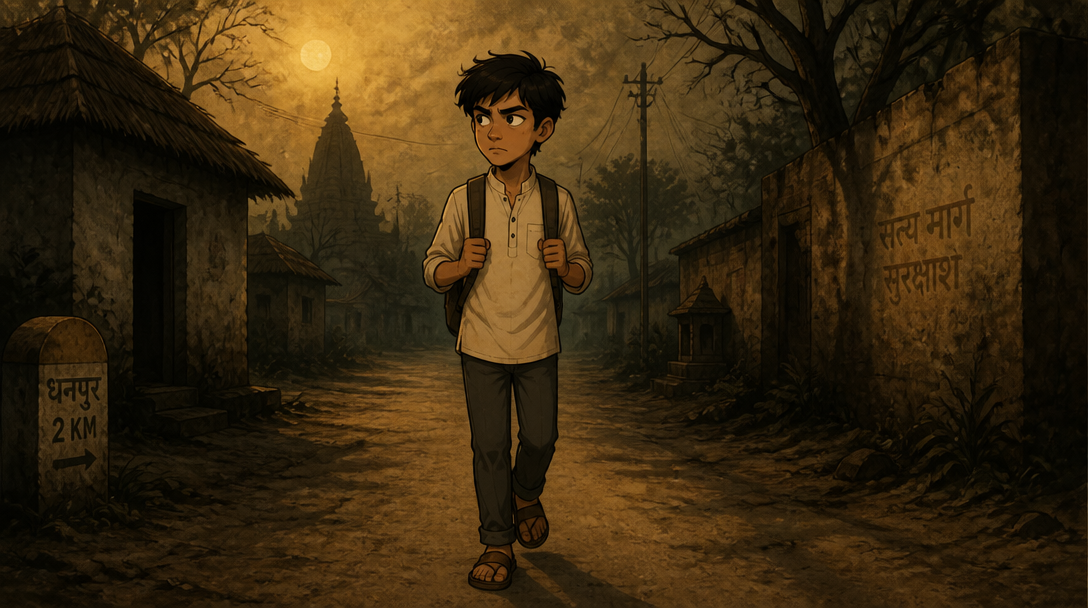
Fully editable with timeline, effects, assets, voice, text, and animation.
Landscape videos for YouTube episodes, cinematic stories, and wide scene-based formats.
Fun, expressive, and perfect for all ages.
Spooky, atmospheric stories with cinematic mood.
Vertical videos for Shorts, Reels, rhymes, micro drama, and mobile-first storytelling.
Bright, cheerful, and made for engaging rhymes.
Short, emotional stories built for fast-scrolling audiences.
No complex tools or AI skills needed.
Characters and scenes stay coherent.
Fine-tune every part of your video.
Create more videos for less.
Quick answers for creators starting with Autodraft.
You can create story videos, cartoon scenes, kids content, explainer videos, and YouTube-ready animated videos with generated visuals, voice, scenes, and timeline editing.
Yes. Autodraft is built around an editable workflow, so you can adjust scenes, timeline, effects, assets, voice, text, and animation before exporting.
Yes. The page and product workflow are focused on creators who need consistent characters, repeatable visual styles, fast scene creation, and affordable production.
Write a script. Create a video. Customize everything.